
How to Install the BloFin Android App
July 22, 2026 at 07:35 AMYou can install the official BloFin Android app safely using the APK from our website.
Official download page: https://blofin.com/download
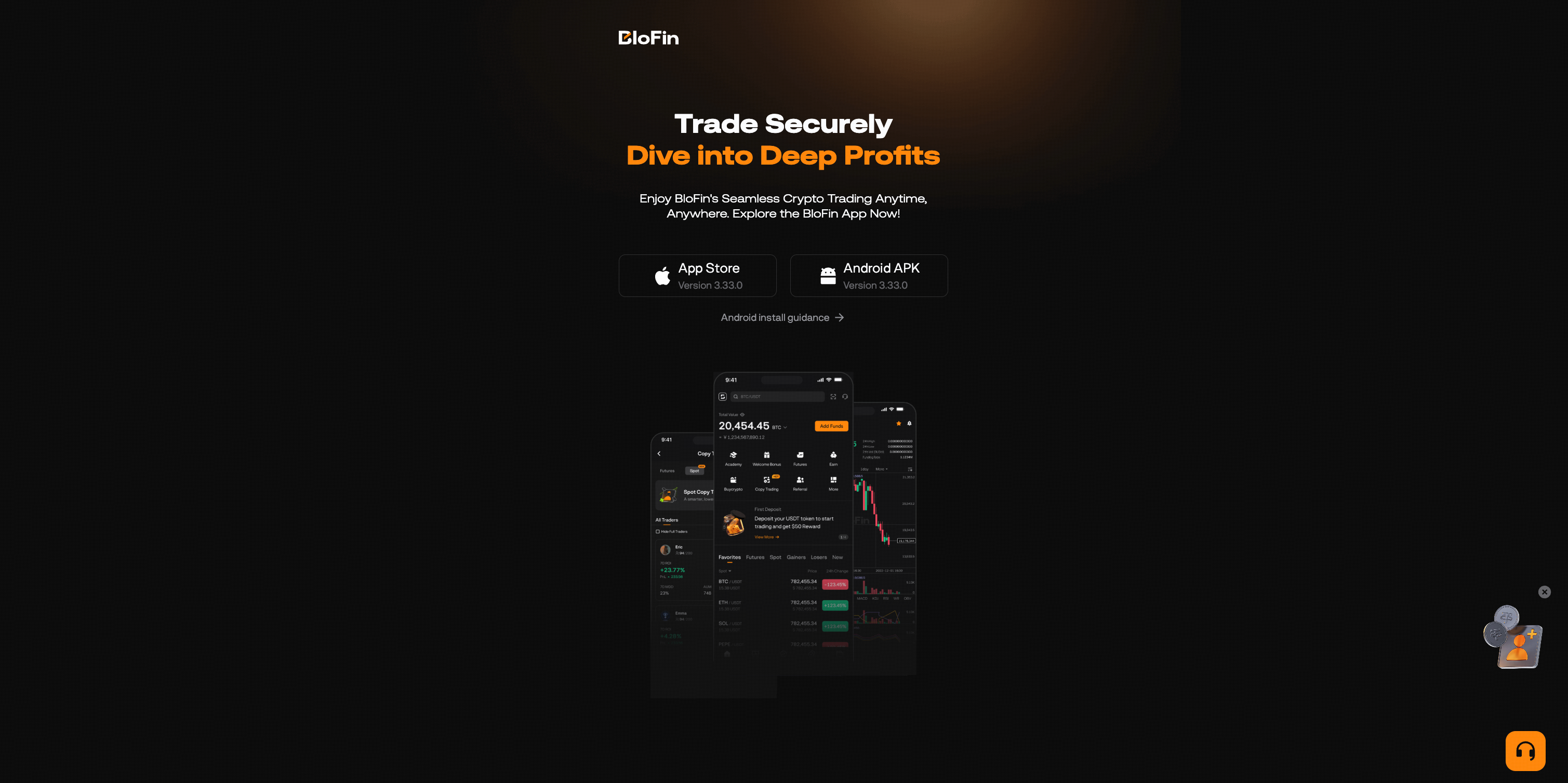
Before You Install
For your security, please make sure:
- You only download the APK from https://blofin.com/download
- The download URL starts with https://blofin.com
- You do not install APK files shared through third-party chats, groups, or unknown websites
Installation Steps
- Open https://blofin.com/download
- Tap Android APK
- Open the downloaded APK file
- If prompted, allow installation from unknown sources for the browser you used to download the APK
- Install and open BloFin
- After installation, you can turn off this permission in your phone settings
Having Trouble Installing?
Try the following:
- Check that you have a stable internet connection
- Try Chrome or Samsung Internet
- Make sure your phone has enough storage
- Redownload the APK from https://blofin.com/download
- Make sure you are not using an APK from a third-party website or chat group
If you still need help, please contact BloFin Support.
Important Safety Reminder
Only download BloFin from the official website:
Do not install APK files from unknown websites, social media groups, or private messages.
Was this article helpful?