
How to Sell Crypto via Sepa Bank Transfer? (APP)
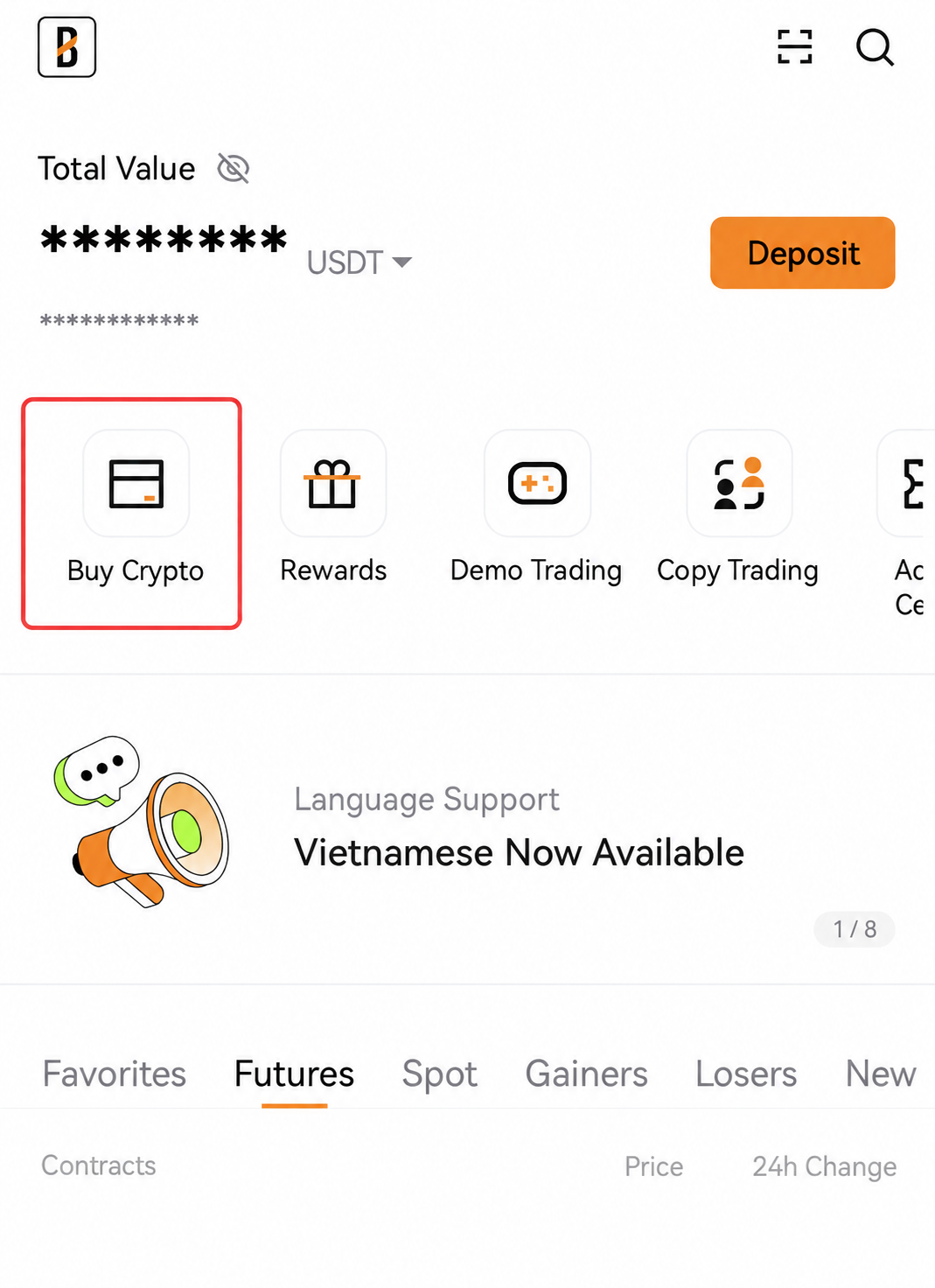
May 25, 2026 at 10:55 AM- Open the BloFin app, log in to your account and tap on [Buy Crypto].
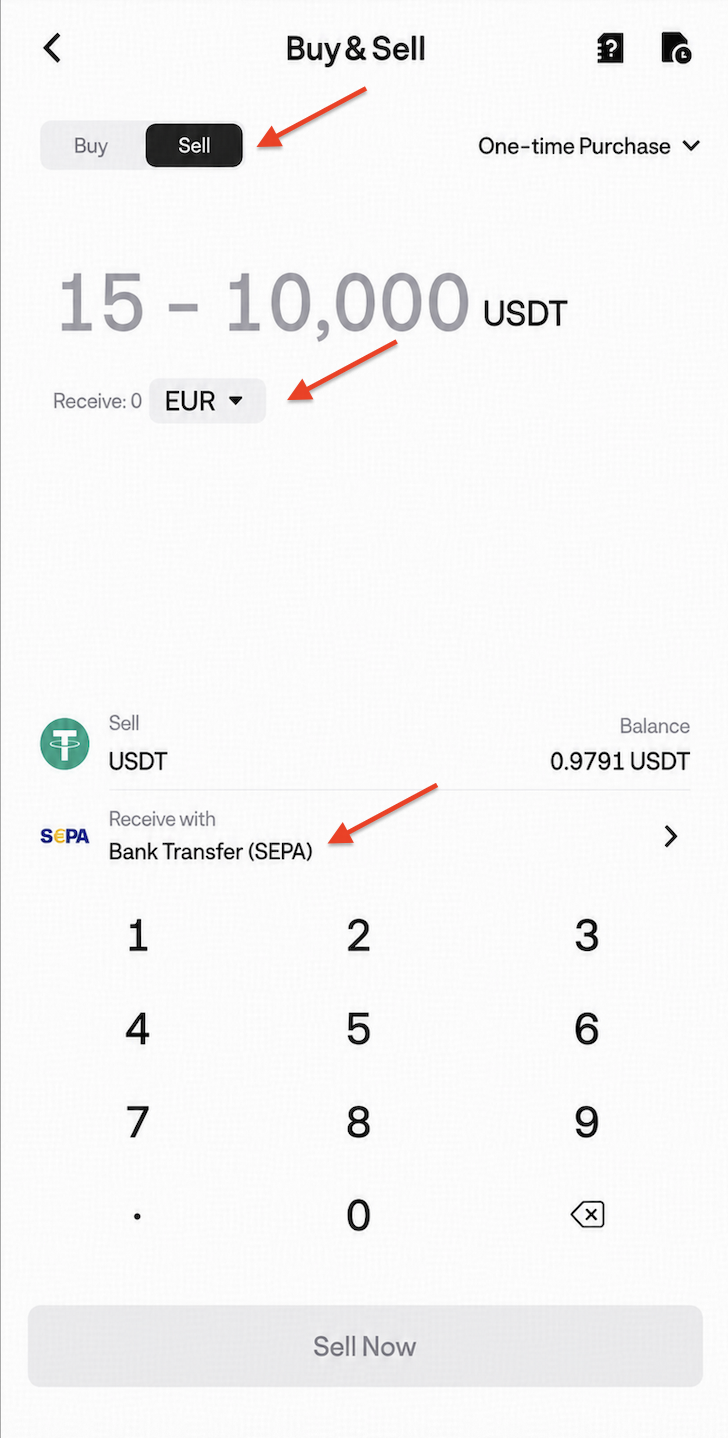
- Select EUR as the fiat currency and USDT as the cryptocurrency under the Sell Crypto tab.
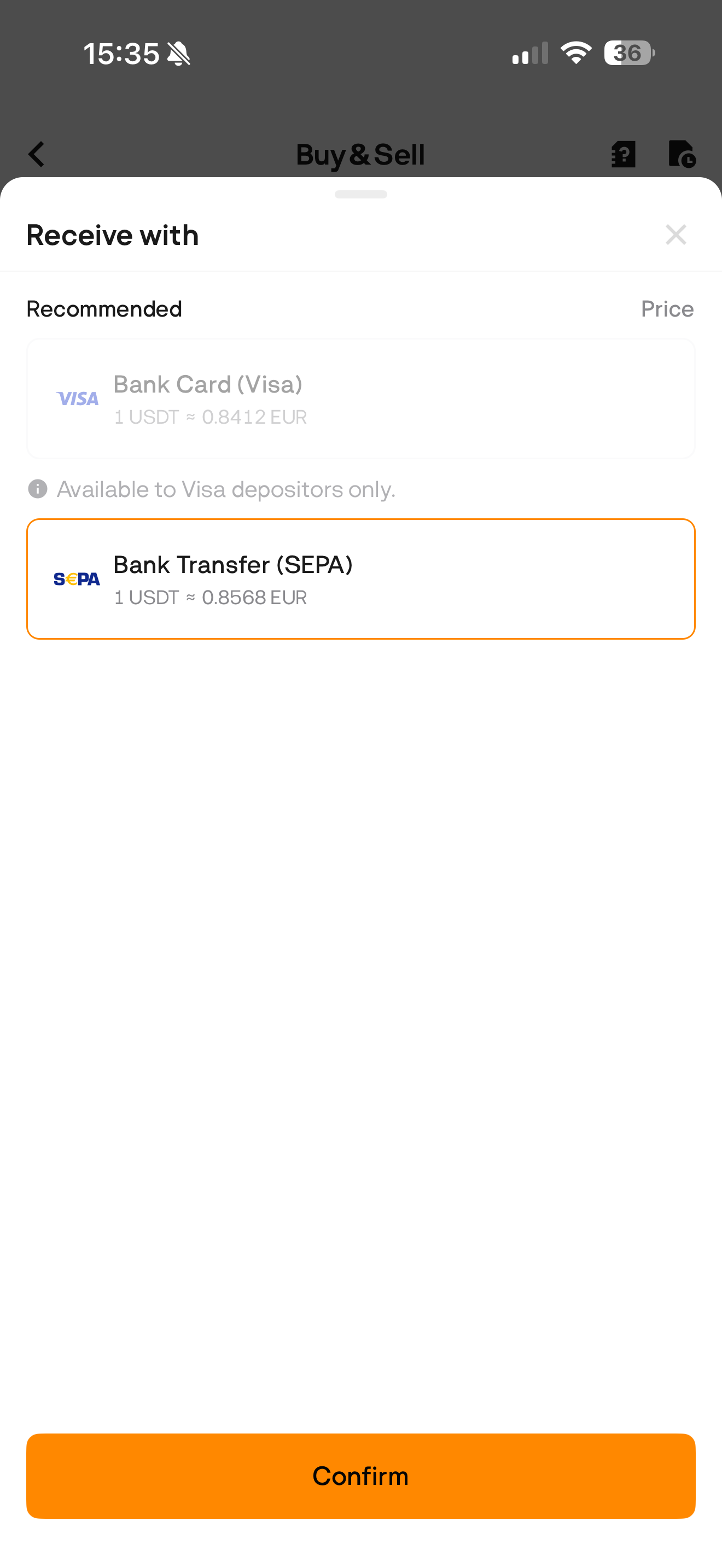
- Select SEPA as the payment method and click [confirm].
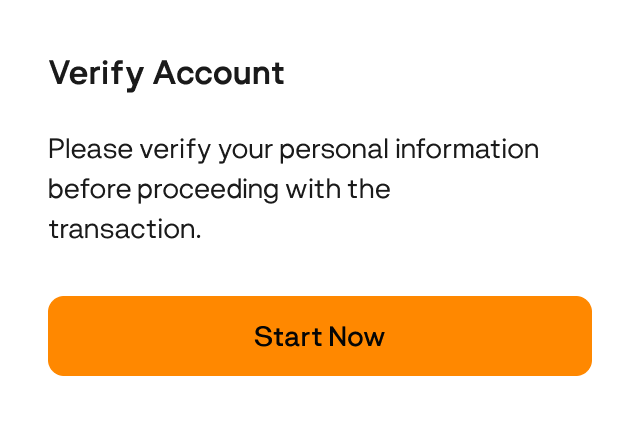
3.1 If you haven’t completed KYC for your BloFin account, you’ll be prompted to proceed with the verification at this step. Click [Start now] to be redirected to the Identification Verification page.
3.2 To comply with Anti-Money Laundering (AML) and Counter-Terrorism Financing (CFT) laws and regulations, the system will use your KYC information, and you may be required to provide additional details.
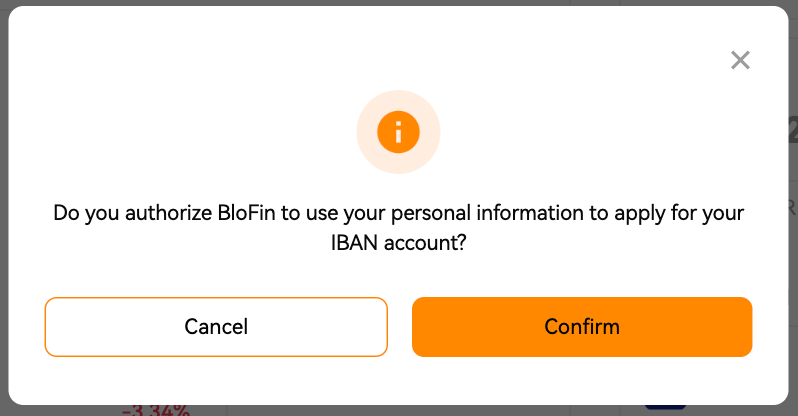
3.3 After submitting the information, please wait patiently for the bank processing notification. The review process may take up to 1 business day.
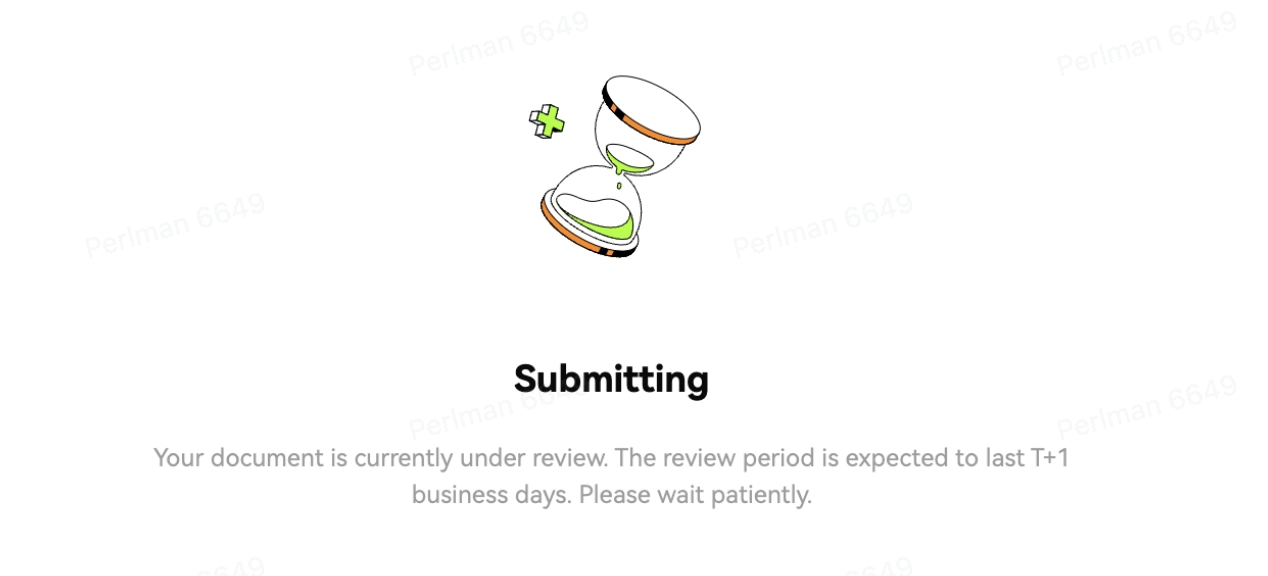
3.4 If you want to change the bank account you’re using, click [Change] next to your account number.
- Enter the amount of crypto currency you wish to sell, then click [Sell Now].
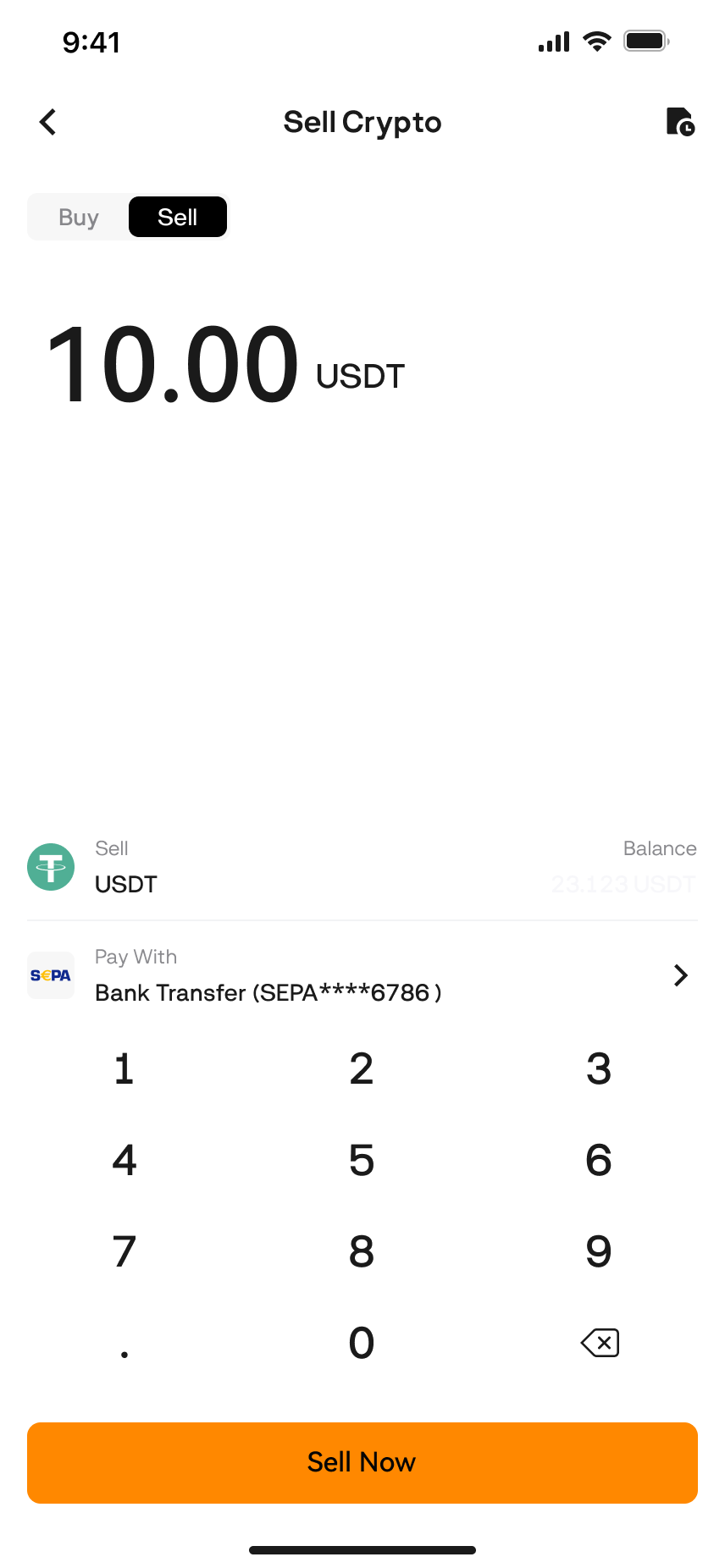
- If you haven’t use SEPA from BloFin before, please follow the instructions to add a bank account for withdrawal.
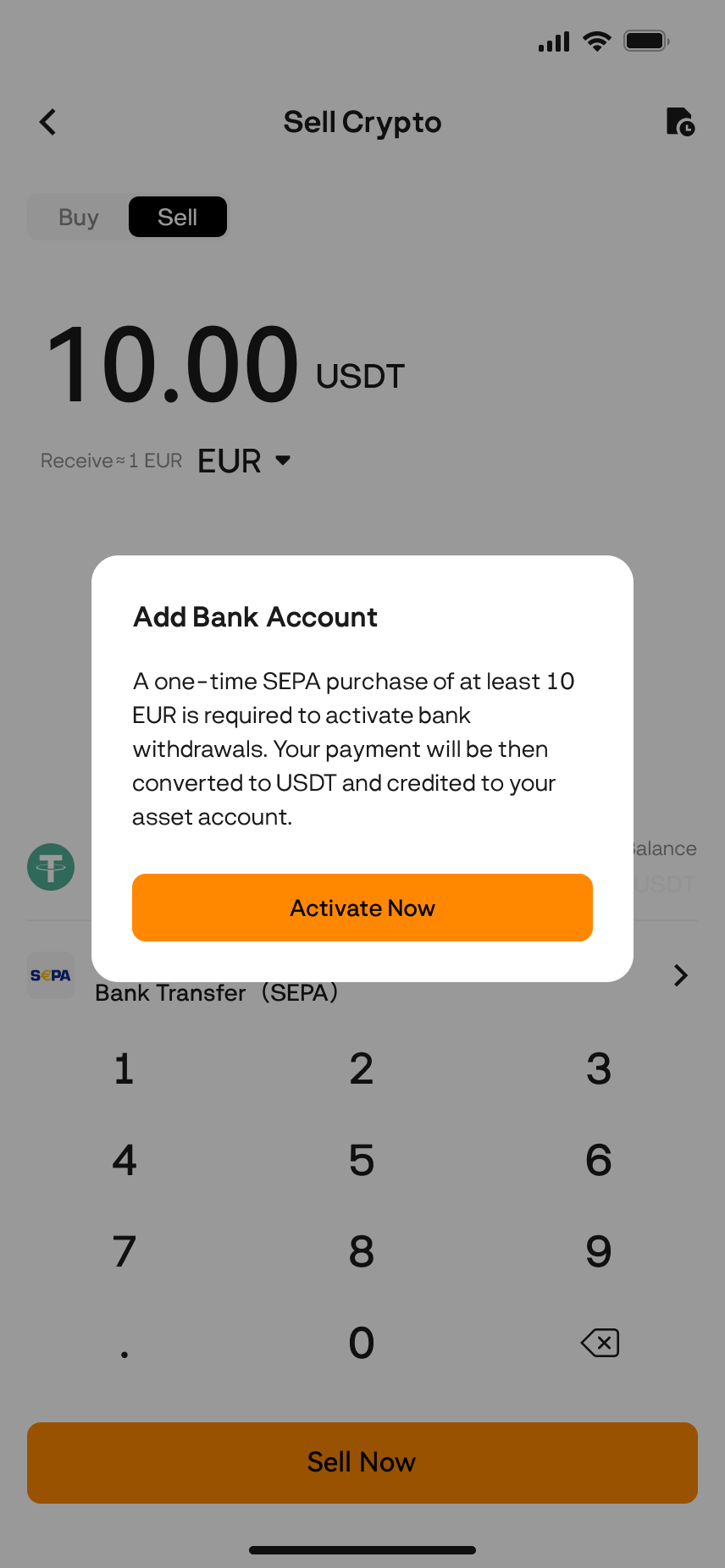
Deposit €10 to verify your account.
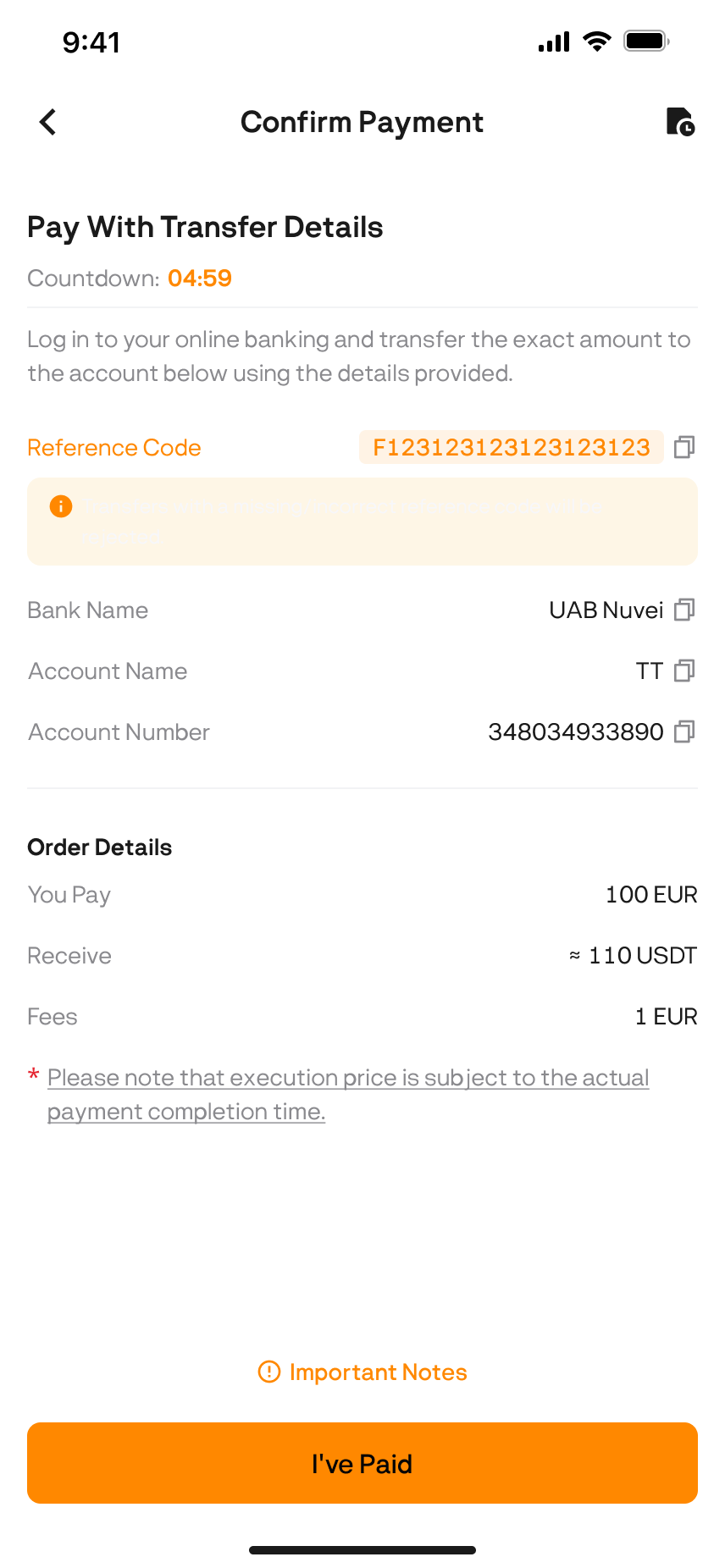
- Check the order details carefully and click [Sell Now].
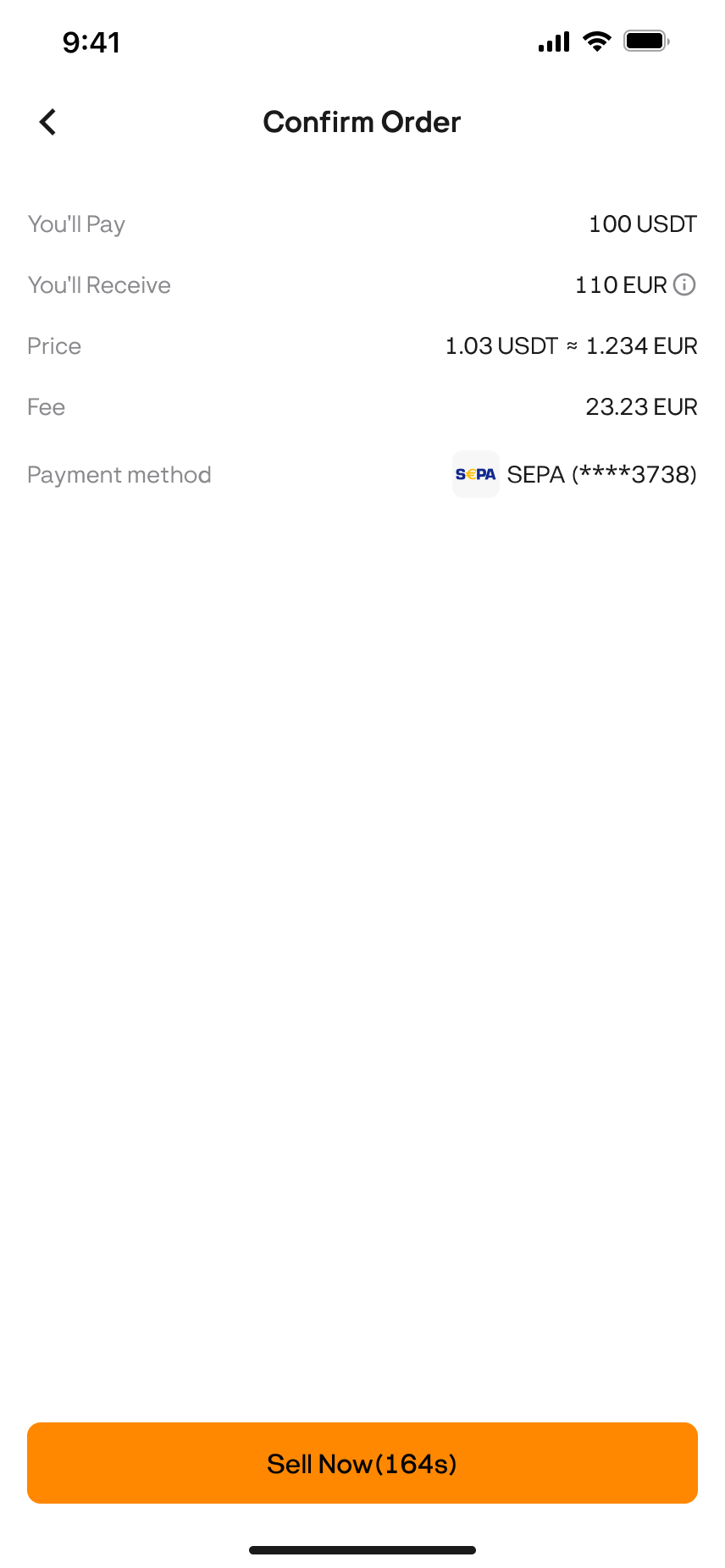
- Wait for your funds to arrive. Once the transaction is successful, you can click [View History] to check your withdrawal order.
Was this article helpful?