How Do I Use BloFin Earn?
October 17, 2024 at 03:15 PMOn Web
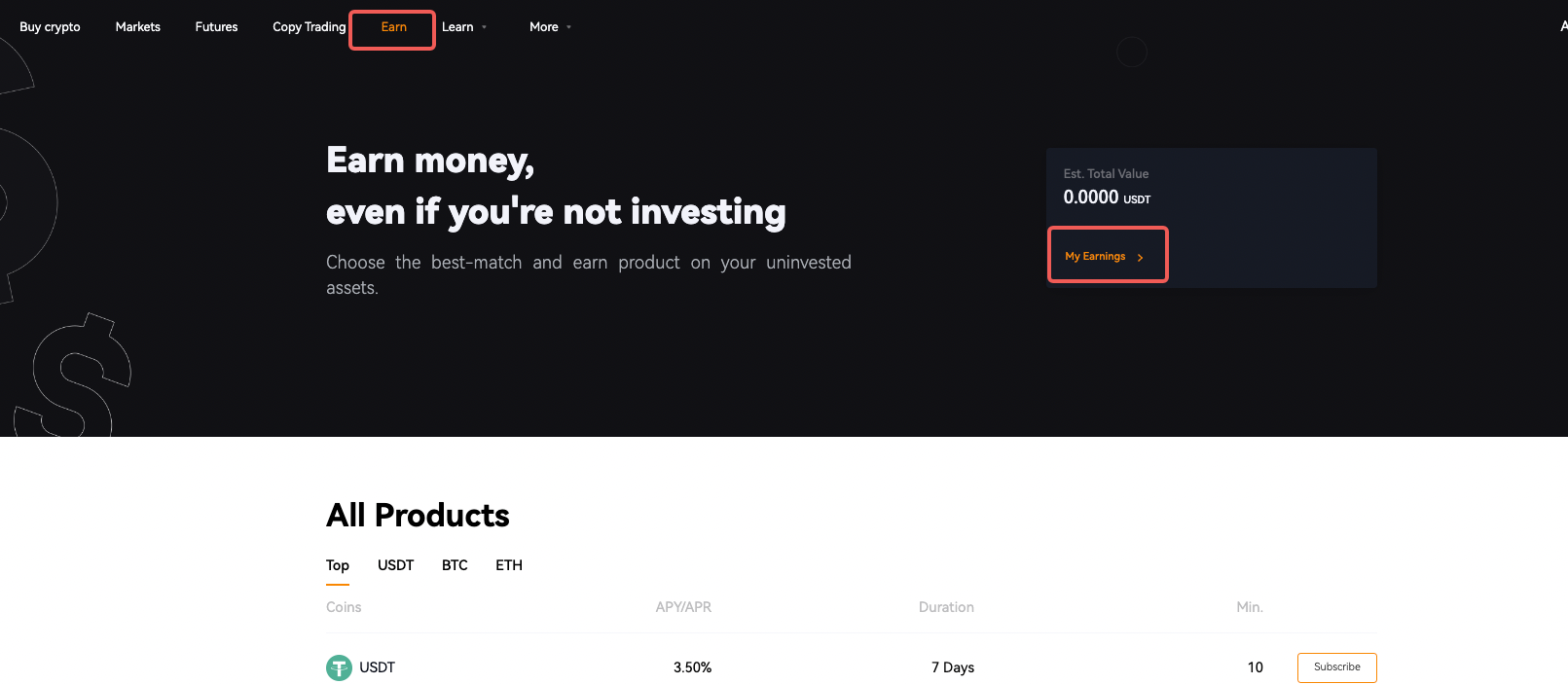
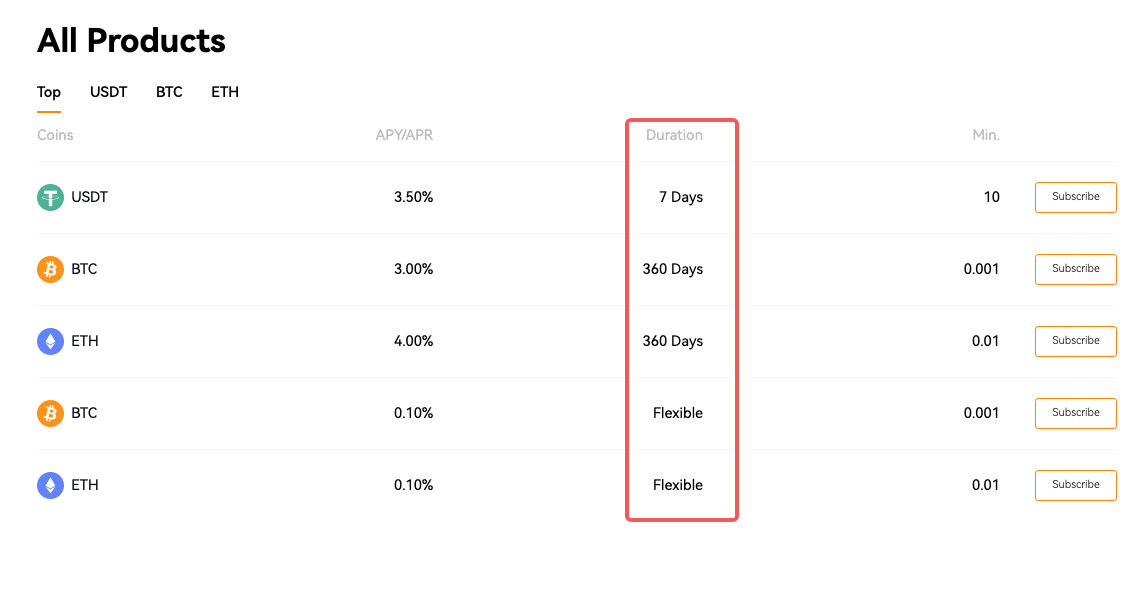
By committing to the lock-up period, you can benefit from the increased interest rates offered by Locked products, maximizing your potential earnings. Please note that if you withdraw your funds in advance from Locked products, you will also lose the accrued rewards.
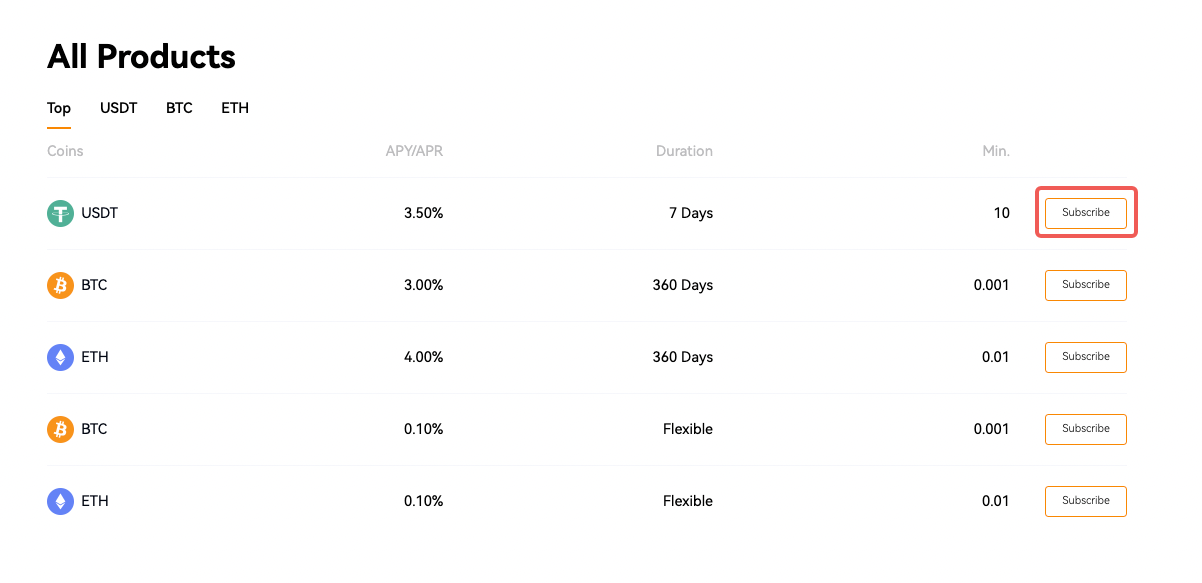
3. Select one product you prefer and click [Subscribe] to enter the Subscription page.
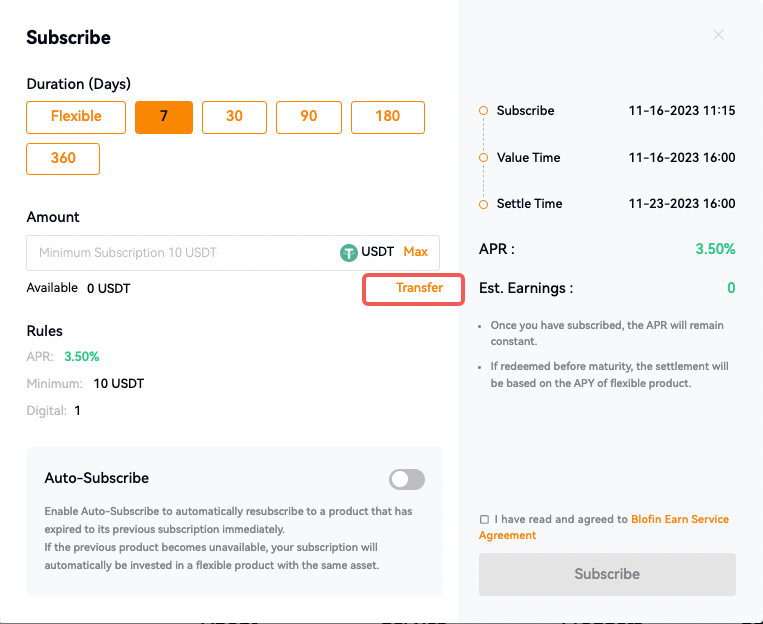
1) Select the duration (Days) for your Earn product.
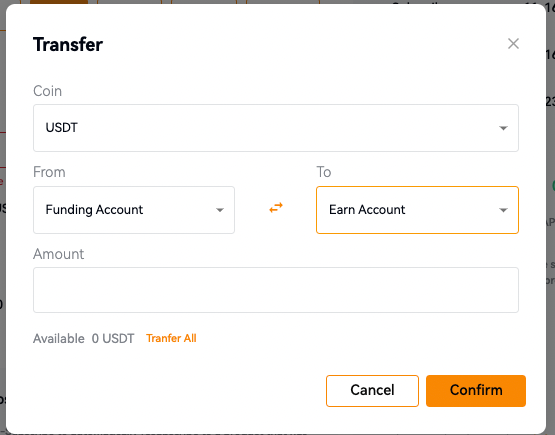
2) Input the amount. If there are no or insufficient cryptos in your Earn account, please click [transfer]to transfer assets to the Earn Account first.
3) Read and tick the box labeled “I have read and agreed to BloFin Earn Service Agreement” , then click [Subscribe]. The subscription will be successfully completed.
Auto-Subscribe:
Enable Auto-Subscribe to automatically resubscribe to a product that has expired to its previous subscription immediately.
If the previous product becomes unavailable, your subscription will automatically be invested in a flexible product with the same asset.
App
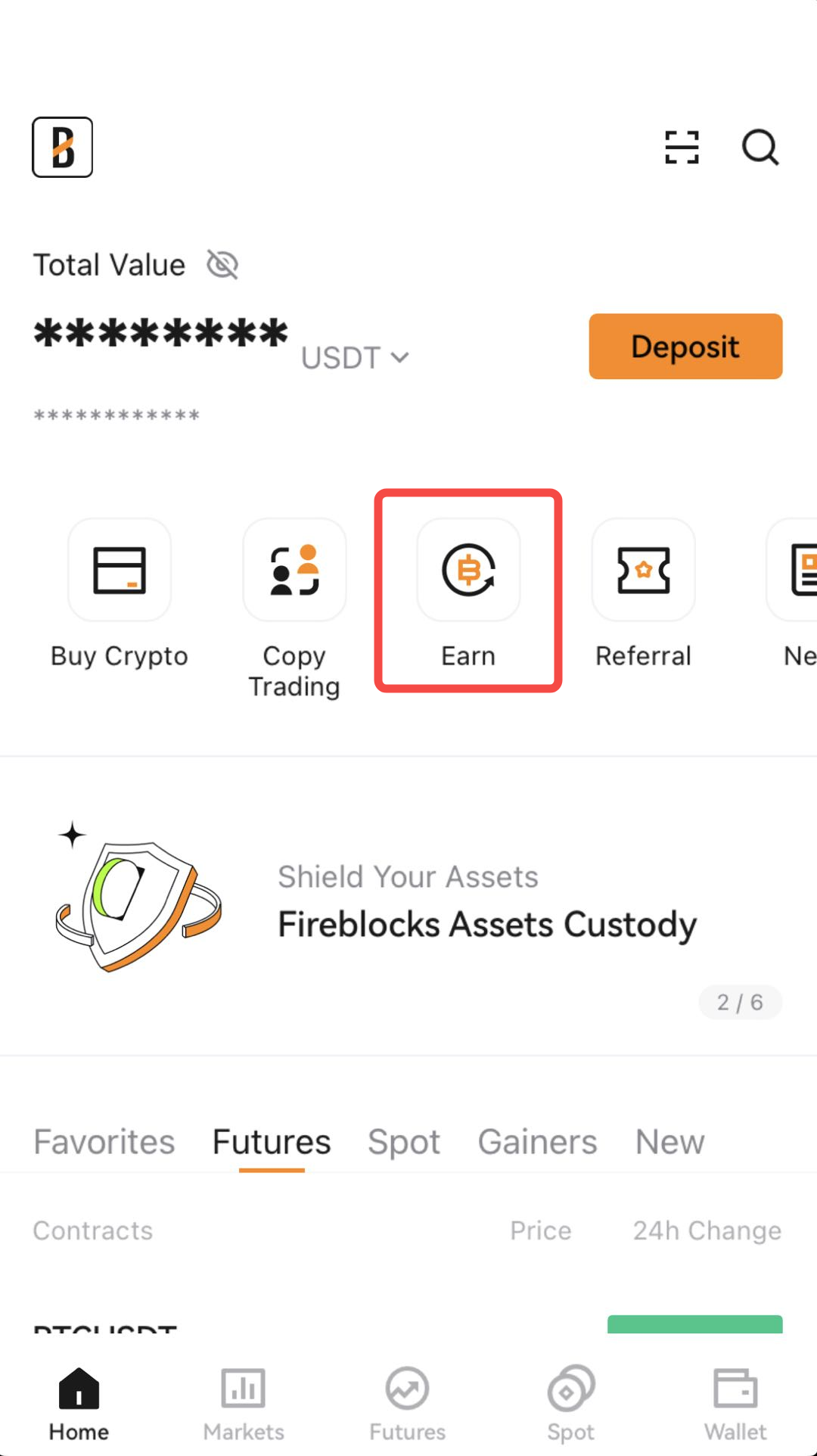
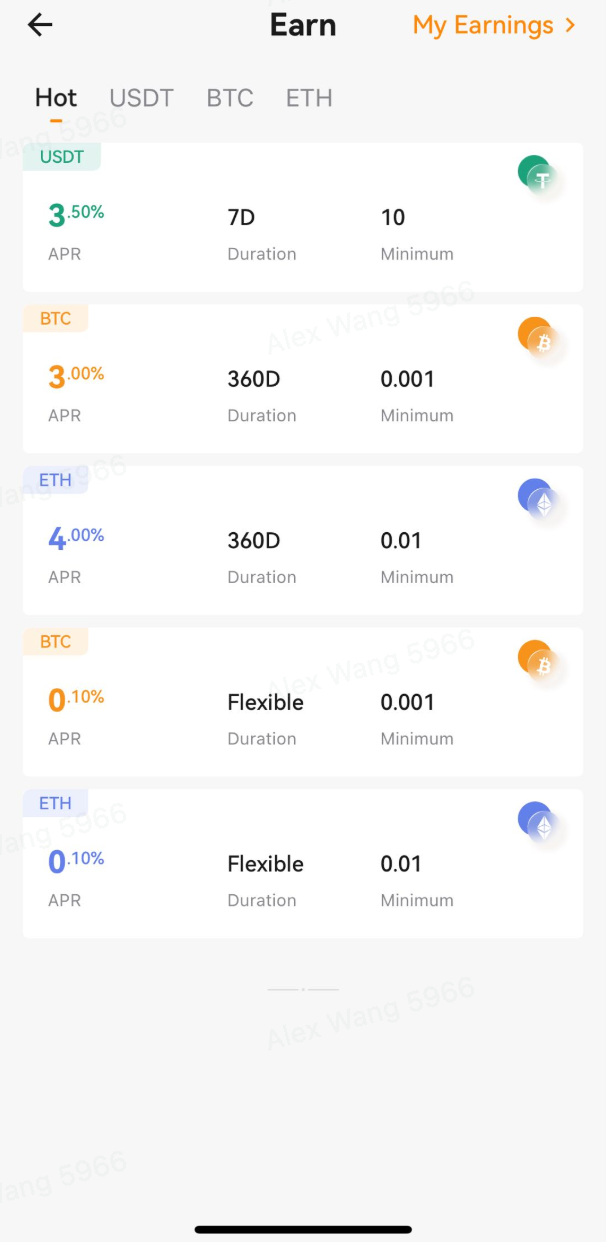
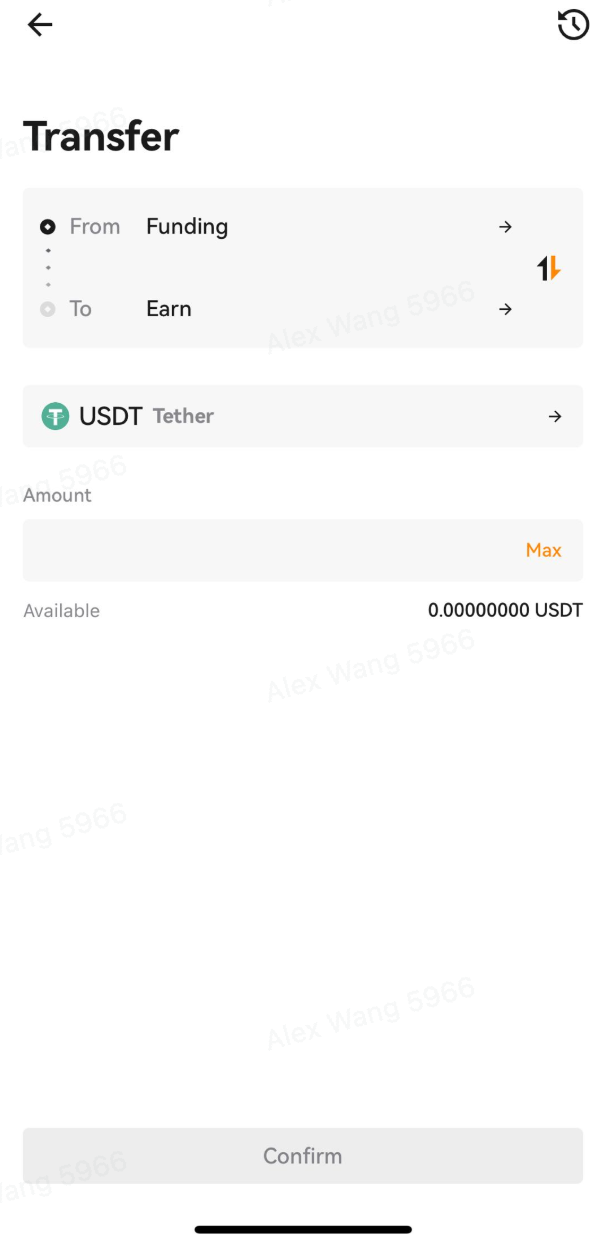
3. Select your preferred duration from the available options in the duration field. Input your amount in the Amount field. First, you need to transfer tokens from other accounts to the Earn account, click [transfer]. If you've insufficient amount, you can buy or deposit a sufficient token amount before continuing. Then read and tick the box labeled “I have read and agreed to BloFin Earn Service Agreement” and click [Subscribe].
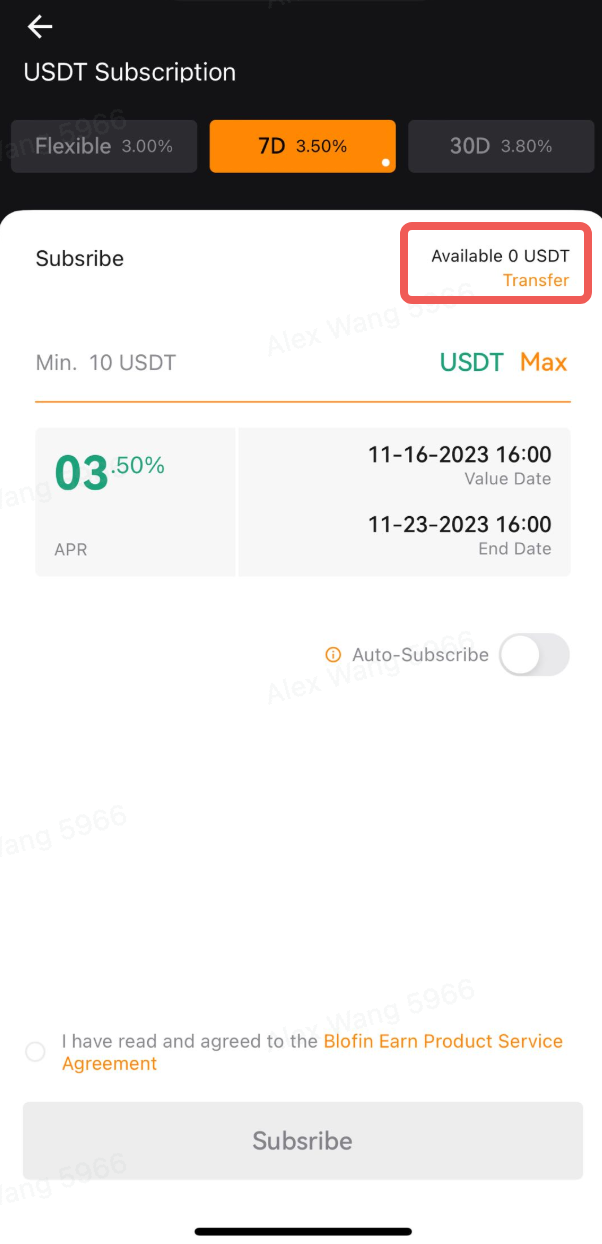
Auto-Subscribe:
Enable Auto-Subscribe to automatically resubscribe to a product that has expired to its previous subscription immediately.
If the previous product becomes unavailable, your subscription will automatically be invested in a flexible product with the same asset.
4. Review Earn positions and assets
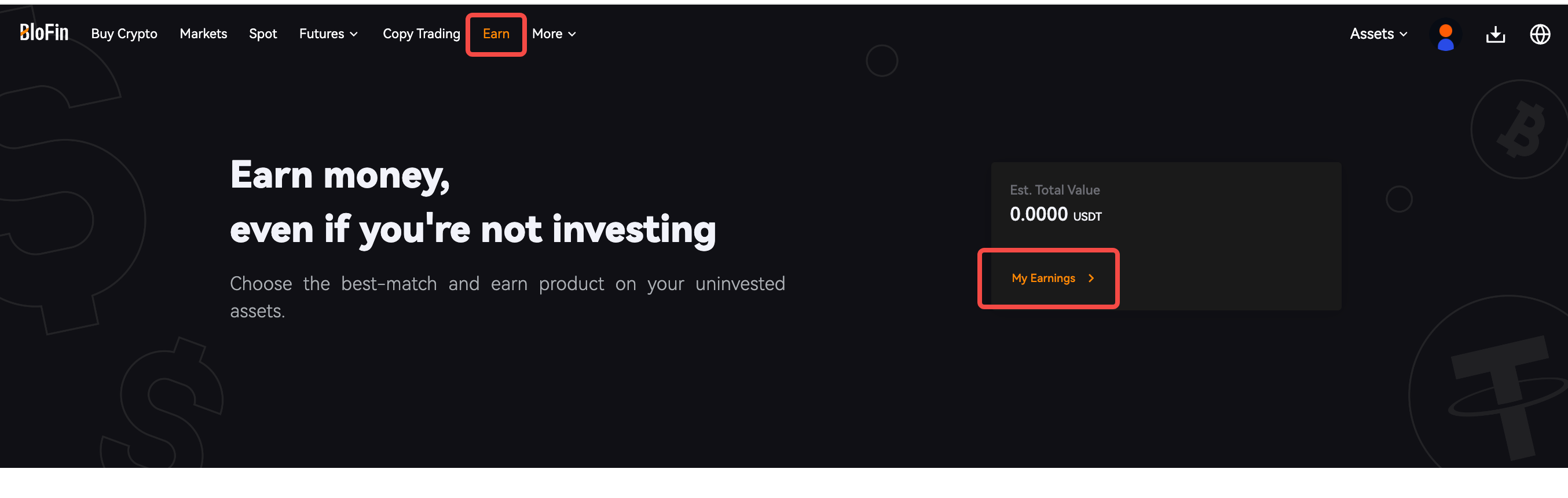
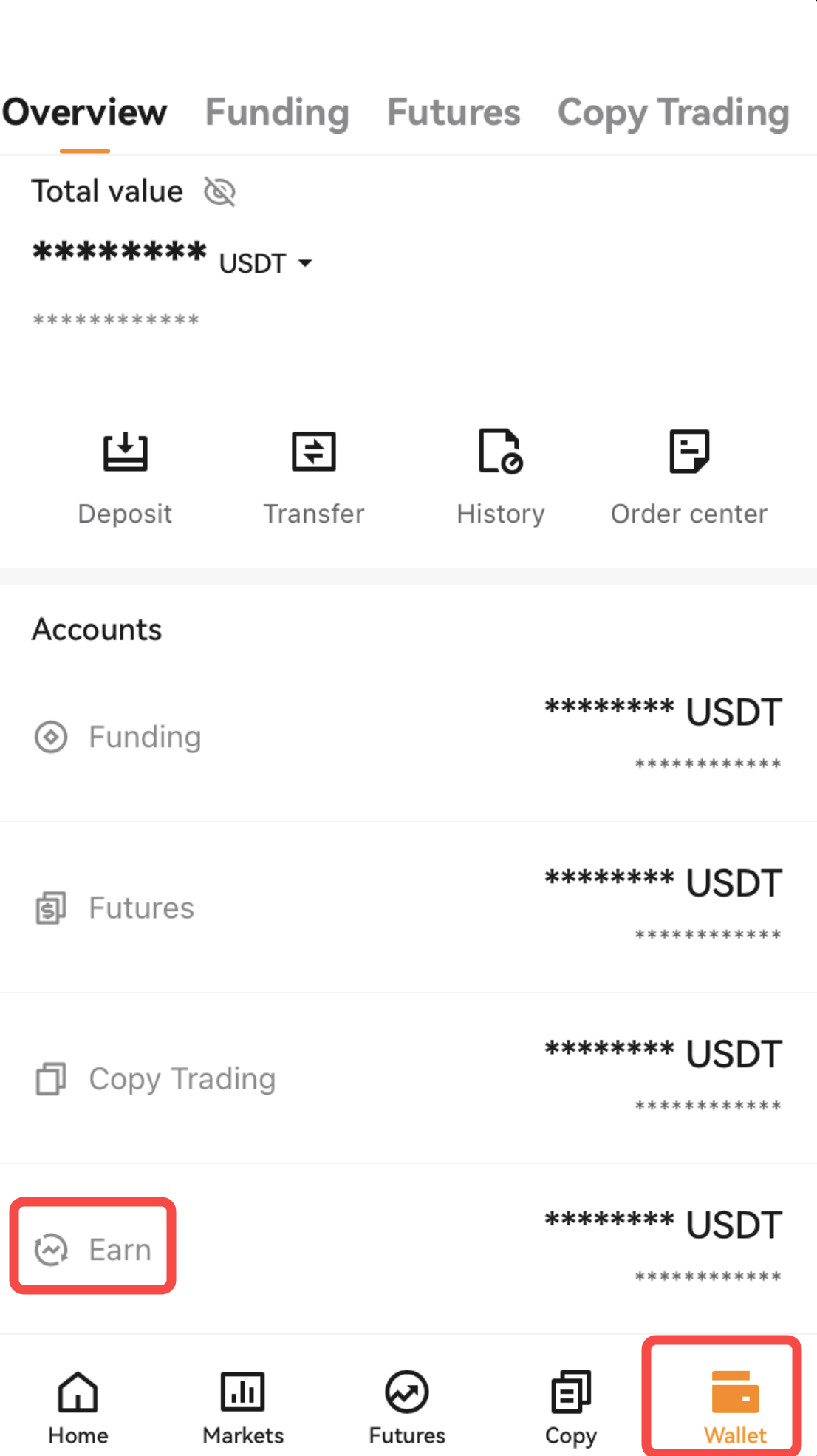
You can click [Wallet] - [Earn] to check your earn account assets.
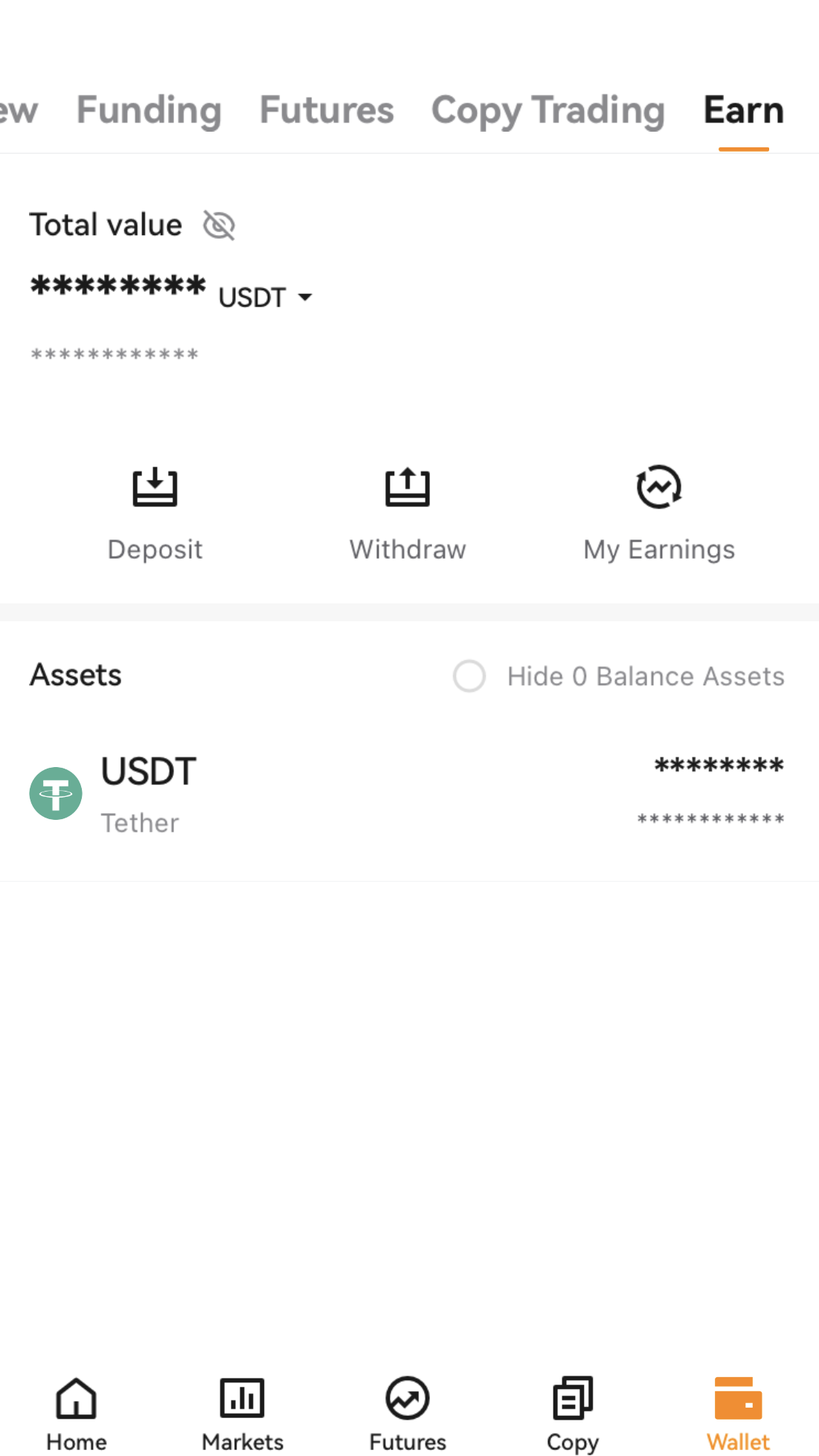
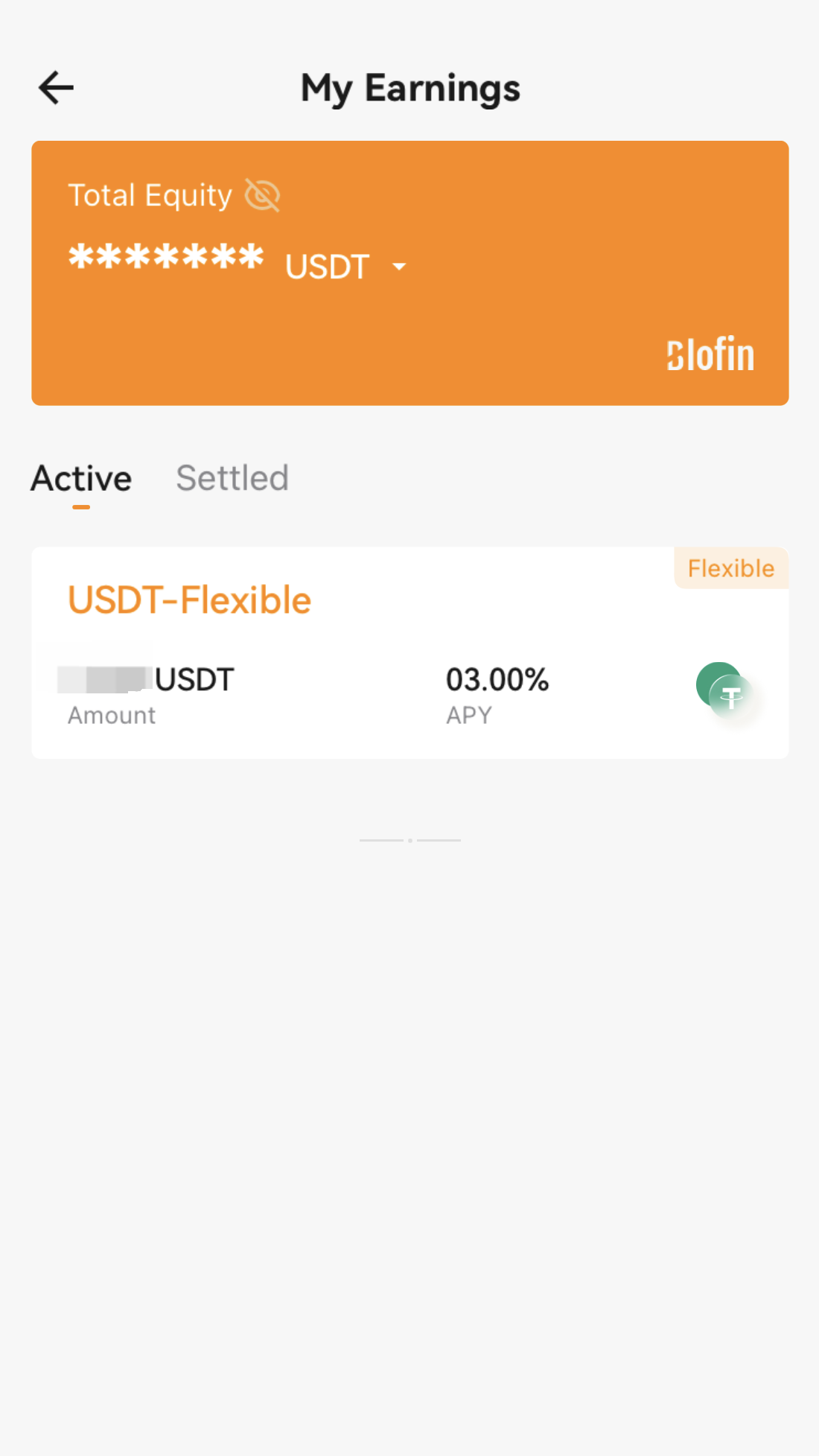
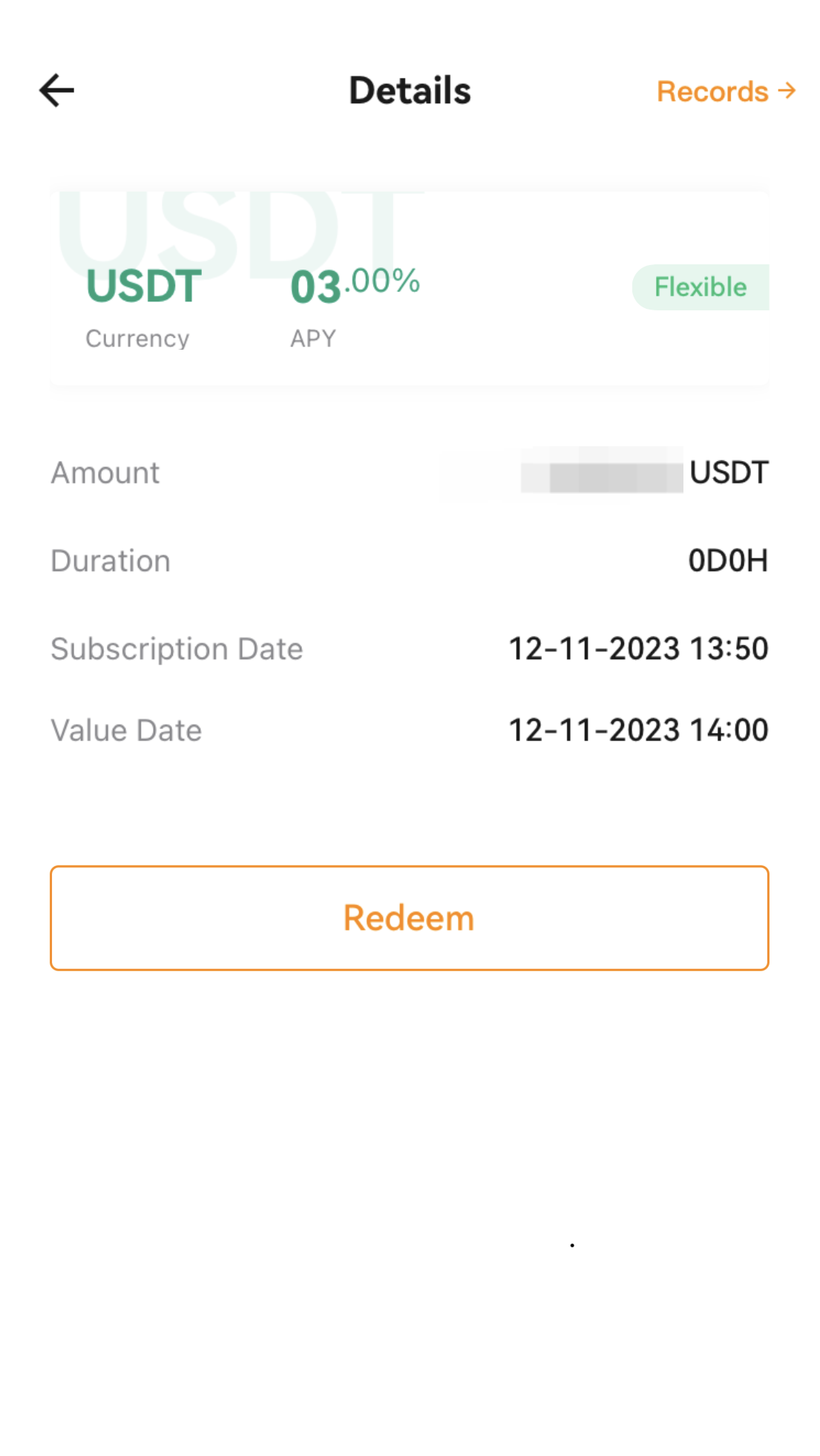
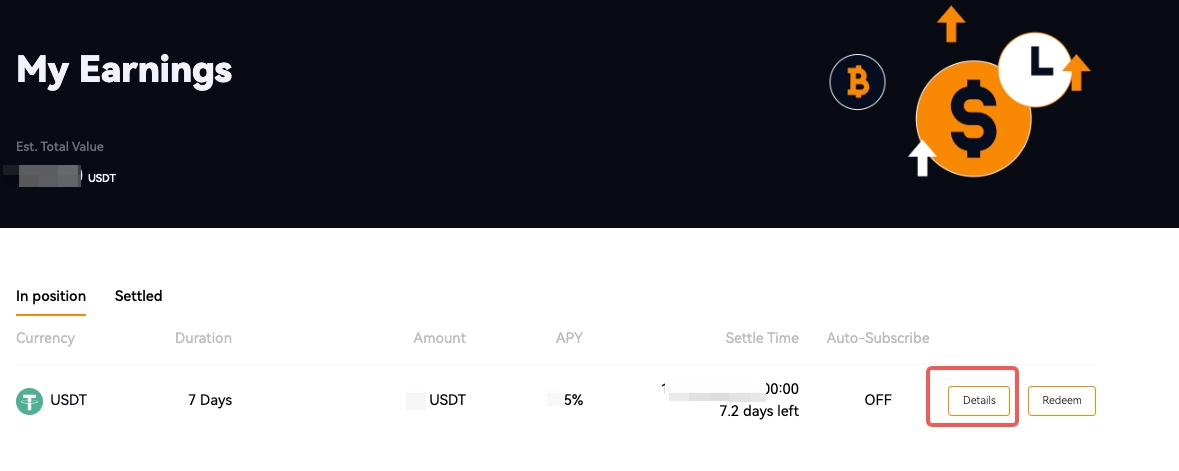
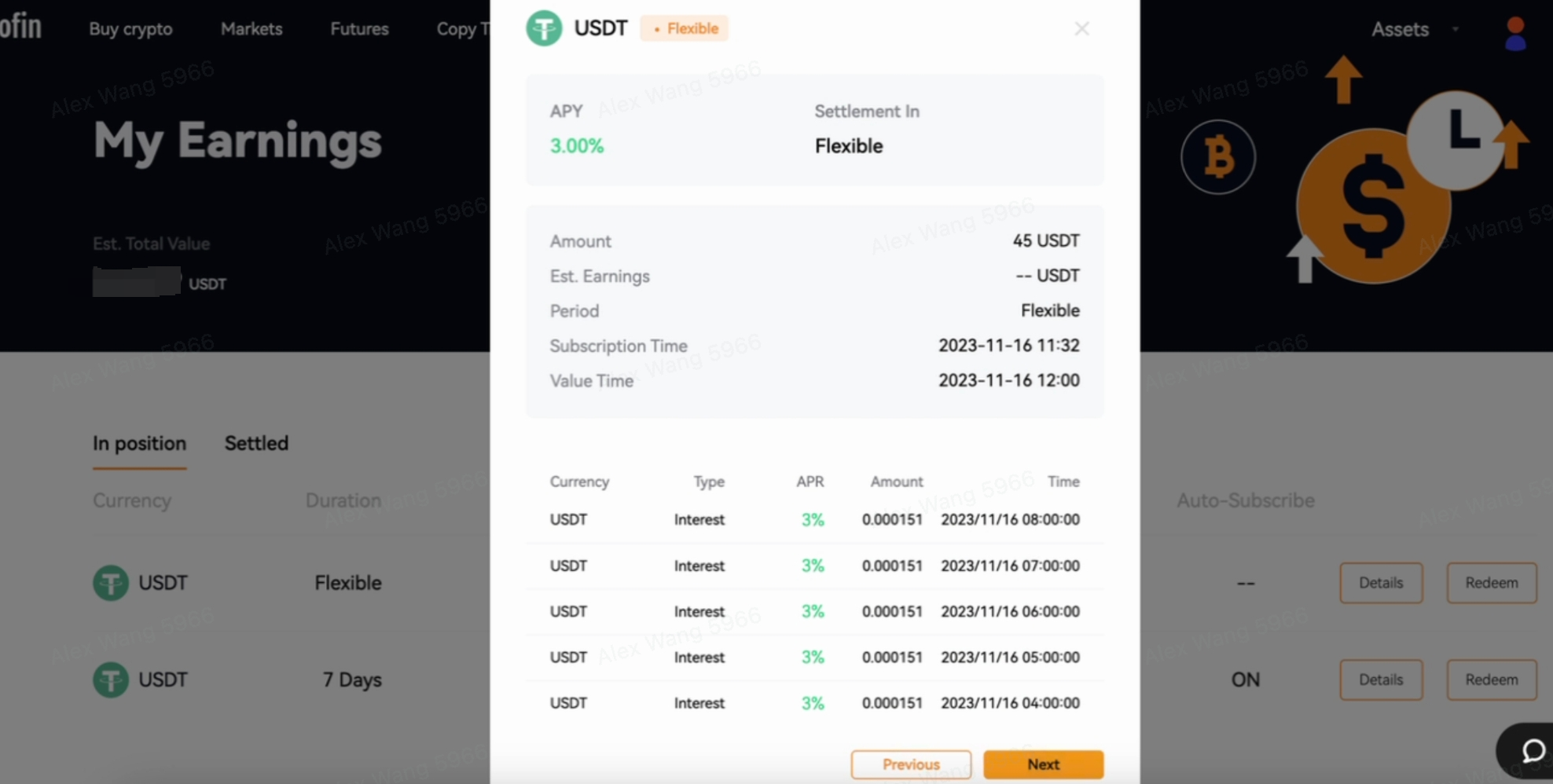
Or click [My Earnings] on the [Earn Account] interface; you can check all your earned positions and income records.